

विवरण
- Embed a Figma file using a block in the WordPress editor.
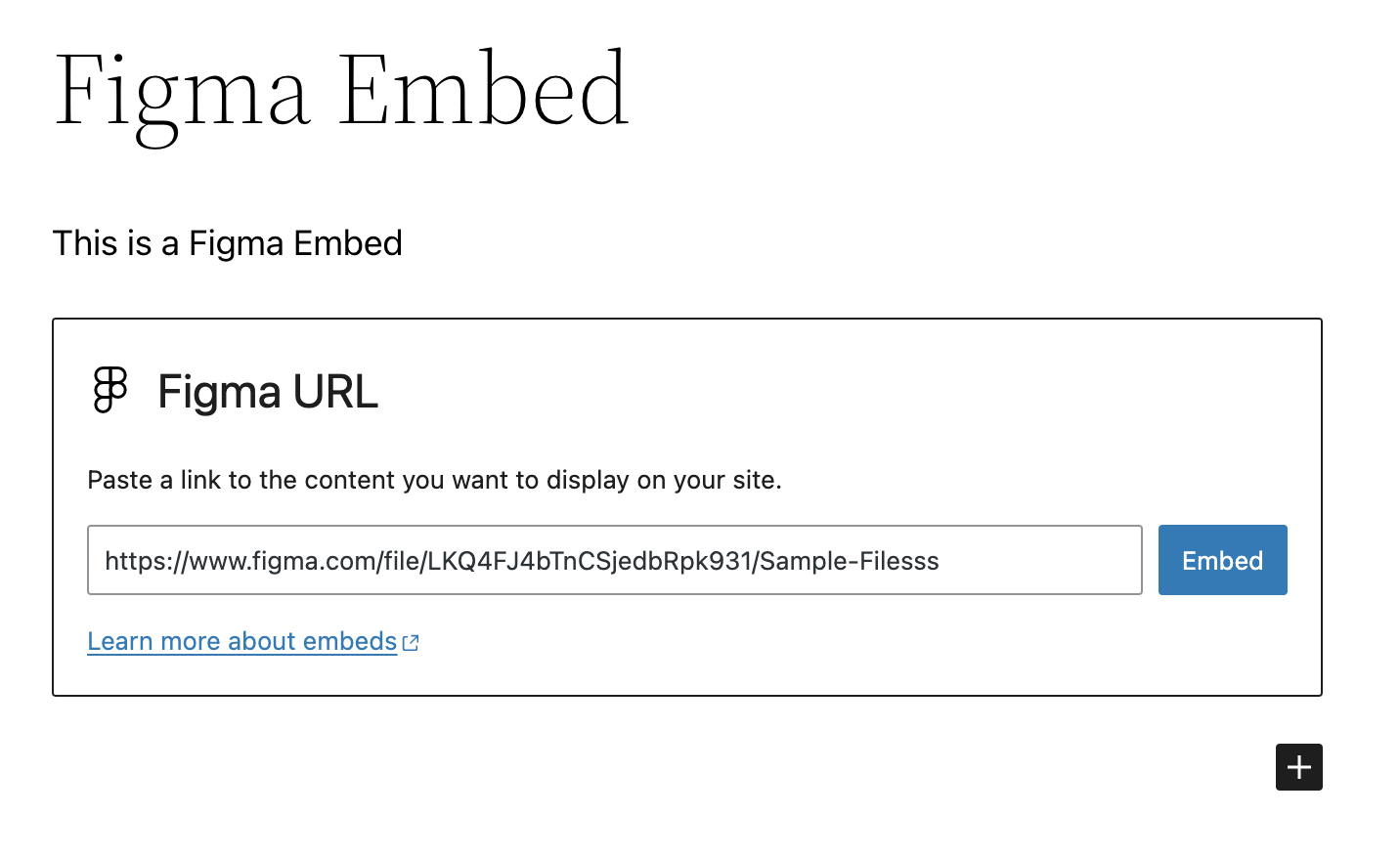
- Paste a Figma URL on a new line in the Block Editor to automatically convert it to a Figma Embed block.
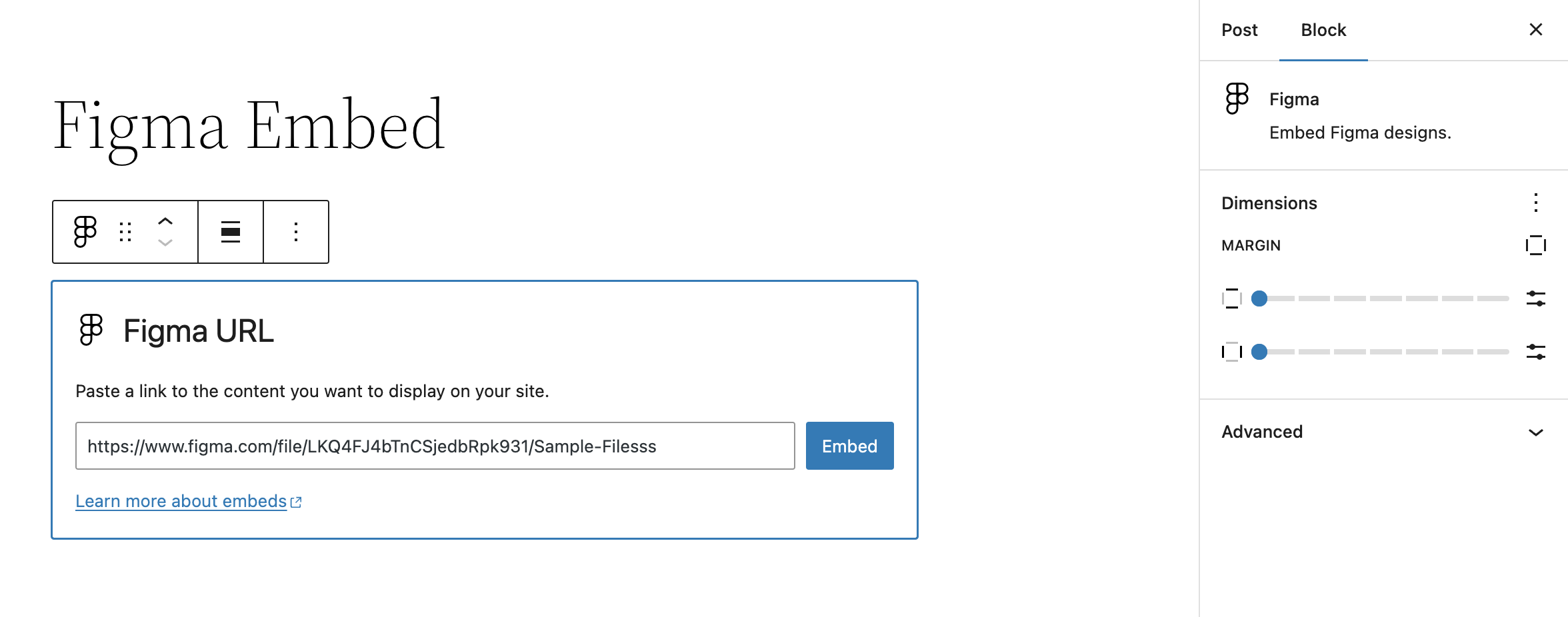
- Block settings allow for altering margins of rendered Figma file embed
Getting Started
Once the plugin is installed and activated, you should see a new Figma Embed block. Insert this block into your content and enter the URL of the Figma file you want to embed.
Assuming it’s a valid URL, the block will automatically fetch the Figma file and display it in the editor. Once saved, this will also display on the front-end.
स्क्रिनसटहरू


प्रश्नोत्तर
Where do I report security bugs found in this plugin?
Please report security bugs found in the source code of the Embed Block for Figma plugin through the Patchstack Vulnerability Disclosure Program. The Patchstack team will assist you with verification, CVE assignment, and notify the developers of this plugin.
समीक्षाहरू
यस प्लगिनको लागि कुनै समीक्षाहरू छैनन्।
योगदानकर्ता र डेभलपरहरू
“Embed Block for Figma” खुला स्रोत सफ्टवेयर हो। निम्न व्यक्तिहरूले यो प्लगिनमा योगदान गरेका छन्।
योगदानकर्ताहरू


“Embed Block for Figma” लाई आफ्नो भाषामा अनुवाद गर्नुहोस्
विकासमा रुचि छ?
आरएसएस द्वारा कोड ब्राउज गर्नुहोस्, एसभीएन रिपजिटरी हेर्नुहोस्, वा विकास लग को सदस्यता लिनुहोस्।
चेन्जलग
0.4.0 – 2025-05-19
Note that this release bumps the WordPress minimum version from 6.4 to 6.6.
- Changed: Bump WordPress “tested up to” version 6.8 (props @thrijith, @jeffpaul via #42, #43, #48, #49).
- Changed: Bump WordPress “requires at least” version 6.6 (props @thrijith, @jeffpaul via #42, #43, #48, #49).
- Changed: Bump Support Level from
BetatoStable(props @jeffpaul, @dkotter via #52). - Security: Bump
expressfrom 4.21.1 to 4.21.2 (props @dependabot, @dkotter via #47). - Security: Bump
body-parserfrom 1.20.2 to 1.20.3 (props @dependabot, @iamdharmesh via #38). - Security: Bump
http-proxy-middlewarefrom 2.0.7 to 2.0.9 andtar-fsfrom 2.1.1 to 3.0.8 (props @dependabot, @dkotter via #53).
0.3.1 – 2024-09-05
Initial plugin release on WordPress.org 🎉
0.3.0 – 2024-08-29
- Added: WordPress.org Playground preview (props @thrijith, @dkotter, @jeffpaul via #29).
- Changed: Updated plugin name from “Figma Block” to “Embed Block for Figma” (props @thrijith, @dkotter, @jeffpaul via #28, #31).
- Security: Bump
webpackfrom 5.90.3 to 5.94.0 (props @dependabot, @dkotter via #30).
0.2.0 – 2024-07-11
Initial public plugin release. 🎉
- Changed: Bump WordPress “tested up to” version 6.6 (props @psorensen, @jeffpaul via #21).
- Changed: Updated documentation (props @jeffpaul via #17).
- Security: Bump
bracesfrom 3.0.2 to 3.0.3 (props @dependabot, @psorensen via #15). - Security: Bump
wsfrom 7.5.9 to 7.5.10 (props @dependabot, @psorensen via #15).
0.1.0 – 2024-06-25
- Initial private plugin release.