
विवरण
SproutOS exposes your WordPress site to authenticated tools through a clean, versioned REST control API, with your guardrails in place.
Connect a tool or your own backend using a standard WordPress Application Password, and it can inspect and manage the site programmatically: safely, and administrator-only.
A Self-Contained WordPress Control API
Most AI writes WordPress code in a vacuum. SproutOS gives AI direct, structured access to your live WordPress install through a purpose-built REST API at /wp-json/sprout-os/v1/.
It is fully self-contained: no MCP Adapter and no WordPress Abilities API dependency. Every endpoint is written from scratch, administrator-gated, and covered by a safety layer. The API areas in this build are:
- Site: info, aggregated snapshot, server-readiness check, resolved wp-config flags (never secrets), and a live capability manifest
- Inspection: users, database summary, plugin settings, pending updates, installed themes, active-theme docs and templates, and a page-builder probe
- Media: list and upload (URL sideload or base64), with executable-upload blocking
- Content: post meta for any post or post type. Read, write and delete, with a sensitive-key blocklist
- Settings: read the plugin’s settings, and update a whitelisted set of its own toggles
- Create Mode import: the endpoints the dashboard’s import flow drives — fetch a design you built at sproutos.ai, install the plugins and theme it needs, import the pages, and apply the matching settings
Call GET /manifest at any time for a live, self-describing list of every REST endpoint your install exposes. The list is read straight from WordPress’s own route registry, so it can never drift from what is actually registered.
The control API itself is deliberately read-first: of its endpoints, only three accept writes — media upload, post-meta write/delete, and the plugin’s own settings. The Create Mode import endpoints are the exception. They exist to do one job, build out a site you designed at sproutos.ai, and to do it they install plugins and themes and write pages. Like every other route they run only for a logged-in administrator, but treat them as the powerful part of the surface.
Built For Control And Safety
Giving AI access to a live site should never be a leap of faith. SproutOS ships the guardrails first:
- Administrator-only access: every route checks manage_options, and unauthenticated calls are rejected with 401
- Authentication with WordPress Application Passwords over HTTPS
- Read-first control API: outside the Create Mode import flow, only three endpoints accept writes
- Secret redaction: settings and wp-config responses never leak values whose keys look like secrets, tokens, keys, salts or passwords
- Sensitive-key blocklist on post meta: credentials stored in custom fields can neither be read nor written through the API
- Executable-upload block: media uploads reject .php and similar executable types
- Privacy and GDPR controls: IP anonymization, configurable data retention, CSV export, and a live summary of exactly what is collected
Our advice: start on a staging site, and move to production once you are happy with the flow. SproutOS is built to be used on live and client sites too.
Set Up In Three Steps
- Install and activate SproutOS.
- Open SproutOS in the admin, use the button to open WordPress’s Application Passwords settings, and create a password there.
- Copy the API base URL and point your authenticated tool or backend at the API.
Create Sites With AI (Create Mode)
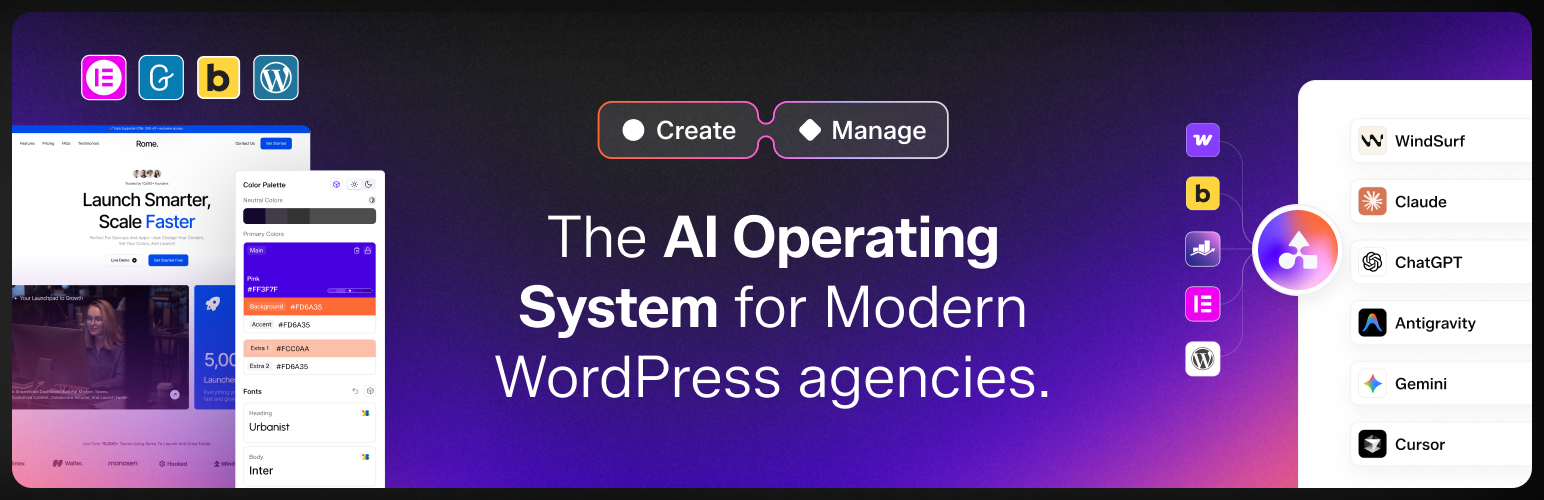
SproutOS also builds new WordPress sites from a prompt, the agency way. In Create Mode at https://sproutos.ai you turn a client brief into a Scope, a Sitemap, and an on-brand Design, then export production-ready WordPress to Elementor, Gutenberg, or Figma. Use this plugin to import those sites into WordPress.
Who It Is For
WordPress agencies, freelancers, and developers who want authenticated tools to inspect and update selected parts of their sites safely.
External Services
The control API runs on your own site using a WordPress Application Password over HTTPS. Create Mode connects to the SproutOS service at https://sproutos.ai; site details and the content you choose to act on are sent there to perform the requested work. Terms: https://sproutos.ai/privacy-policy?tab=terms . Privacy: https://sproutos.ai/privacy-policy?tab=privacy .
Development
SproutOS is open source (GPLv2 or later) and nothing in it is obfuscated. The complete, human-readable source for the compiled dashboards is maintained publicly at https://github.com/posimyth/sproutos/tree/sproutos-source
For the full compiled-file-to-source map and build steps, see the Source-Readme.txt file in the plugin root.
स्थापना
- Install SproutOS from Plugins > Add New, or upload the plugin to /wp-content/plugins/sproutos.
- Activate the plugin.
- Open SproutOS in your WordPress admin, use the button to open WordPress’s Application Passwords settings, and create a password there.
- Point your authenticated tool or backend at /wp-json/sprout-os/v1/ using the Application Password over HTTPS.
Requirements: WordPress 6.9+ and PHP 8.0+.
प्रश्नोत्तर
-
What does this plugin do?
-
It turns your WordPress site into a controllable REST API. An authenticated tool or backend uses a WordPress Application Password and can then inspect the site, upload media, and manage post meta programmatically, administrator-only, with a safety layer around every write.
-
Can a client connect directly over MCP?
-
Not with this build. SproutOS ships the REST control API only; there is no MCP (JSON-RPC) endpoint in this version. Any tool that can send an authenticated HTTP request works today.
-
Which tools work with SproutOS?
-
Any tool or backend that can send an authenticated HTTP request.
-
How do I connect it?
-
Create a WordPress Application Password in Users > Profile. The SproutOS admin page includes a button that takes you directly to WordPress’s Application Passwords section. Use that password over HTTPS against /wp-json/sprout-os/v1/. Call GET /manifest for the live list of every endpoint the install exposes.
-
Is it safe to use on a live WordPress site?
-
It is built for it. Every route — control API and Create Mode alike — is administrator-only. The control API is read-first, with just three write endpoints; settings and wp-config responses redact anything that looks like a secret, post meta holding credentials is blocklisted, and executable uploads are blocked. The import endpoints that install plugins and write pages run from the dashboard, on your click. We still recommend you start on staging until you trust the flow.
-
Can I connect multiple WordPress sites?
-
This plugin connects one site.
-
How do I use Create Mode?
-
Sign in at https://sproutos.ai, turn a client brief into a Scope, Sitemap, and Design, and export production-ready WordPress to Elementor, Gutenberg, or Figma. Use this plugin to import those sites into WordPress.
-
Do I need to know how to code?
-
No. Basic setup only requires creating a WordPress Application Password and using the REST API details shown in SproutOS. Coding knowledge helps for advanced API use, but it is not required.
-
What happens if I uninstall the plugin?
-
The API is removed and authenticated tools can no longer reach the site through SproutOS. Your WordPress content is untouched.
-
Does it slow down my site?
-
No. Endpoints run only when an authenticated tool or backend calls them. There is no load on your visitors.
समीक्षाहरू
यस प्लगिनको लागि कुनै समीक्षाहरू छैनन्।
योगदानकर्ता र डेभलपरहरू
“SproutOS – Create Creative Sites with AI” खुला स्रोत सफ्टवेयर हो। निम्न व्यक्तिहरूले यो प्लगिनमा योगदान गरेका छन्।
योगदानकर्ताहरू


“SproutOS – Create Creative Sites with AI” लाई आफ्नो भाषामा अनुवाद गर्नुहोस्
विकासमा रुचि छ?
आरएसएस द्वारा कोड ब्राउज गर्नुहोस्, एसभीएन रिपजिटरी हेर्नुहोस्, वा विकास लग को सदस्यता लिनुहोस्।
चेन्जलग
1.4.0
- New : API-based MCP architecture.
- Fix : Minor bug fixes and performance improvements.
1.3.0
- Improvement : SproutOS now focuses on Create Mode. Design your WordPress site with AI at sproutos.ai and import it into WordPress as Elementor or Gutenberg pages.
- Improvement : Simplified and cleaned up the plugin for a lighter, faster setup.
- Fix : Minor bug fixes and performance improvements.
1.2.0
- New : API-based WordPress control architecture.
- Update : Major platform revamp from the abilities-based engine to a self-contained REST API setup.
- Removed : Memory functionality.
- Removed : Sandbox environment.
- Removed : Integrations for Elementor, Bricks, ACF, Pods, Divi, Breakdance, Beaver Builder, Oxygen, ASE, and other page builder features.
- Improvement : Simplified and cleaned up the core architecture.
- Fix : Minor bug fixes and performance improvements.
1.1.5
- Fix : Minor bug fixes and performance improvements.
1.1.3
- Fix : Minor bug fixes and performance improvements.
1.1.1
- Improvement : UI improvements across the dashboard.
- New : Dark mode option for the dashboard.
- Fix : Minor bug fixes and performance improvements.
1.1.0
- New : Create Mode Included
- Improvement : Code cleanup and optimizations and removed unused code
0.0.11
- Improvement : Code cleanup and optimizations – removed unused server-rendered code and dead assets.
0.0.10
- Improvement : Rebuilt the admin dashboard as a React app (same design, no feature changes).
- New : Setting to show or hide the “AI ACTIVE” indicator in the WordPress admin bar.
0.0.9
- Improvement : Dashboard design and layout improvement.
0.0.8
- Update : Removed theme file read and list abilities.
- Improvement : Reduced the filesystem surface further.