

विवरण
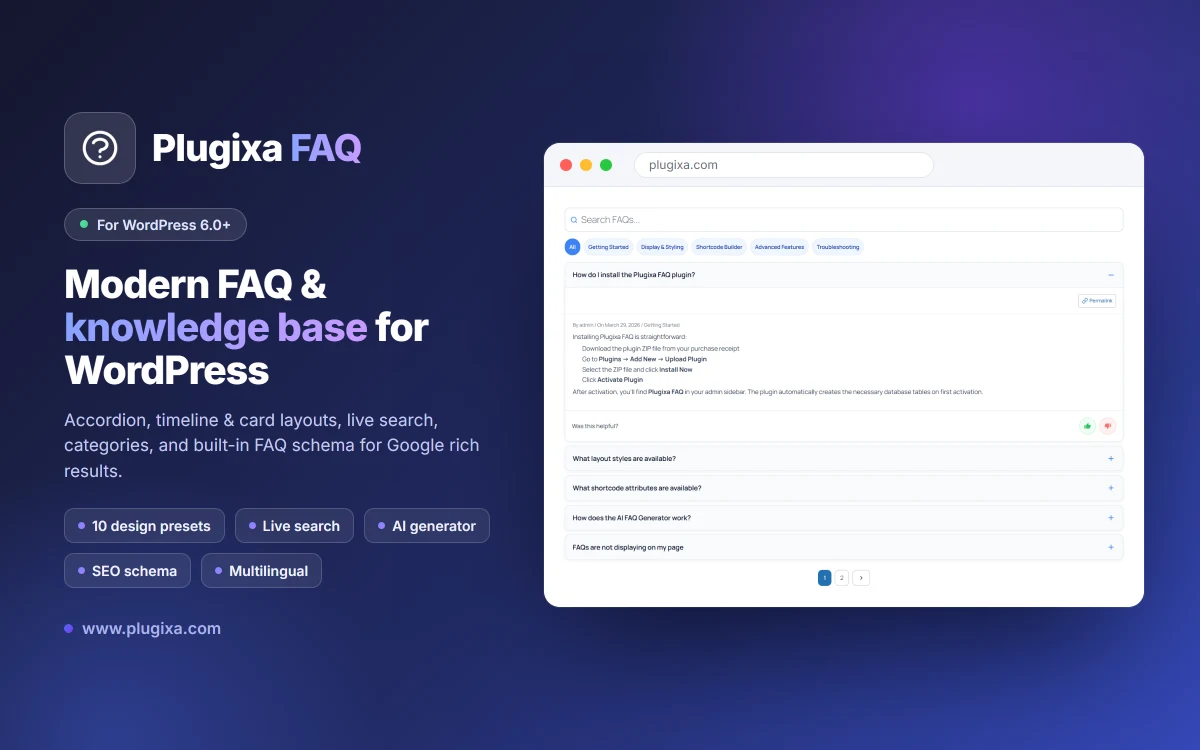
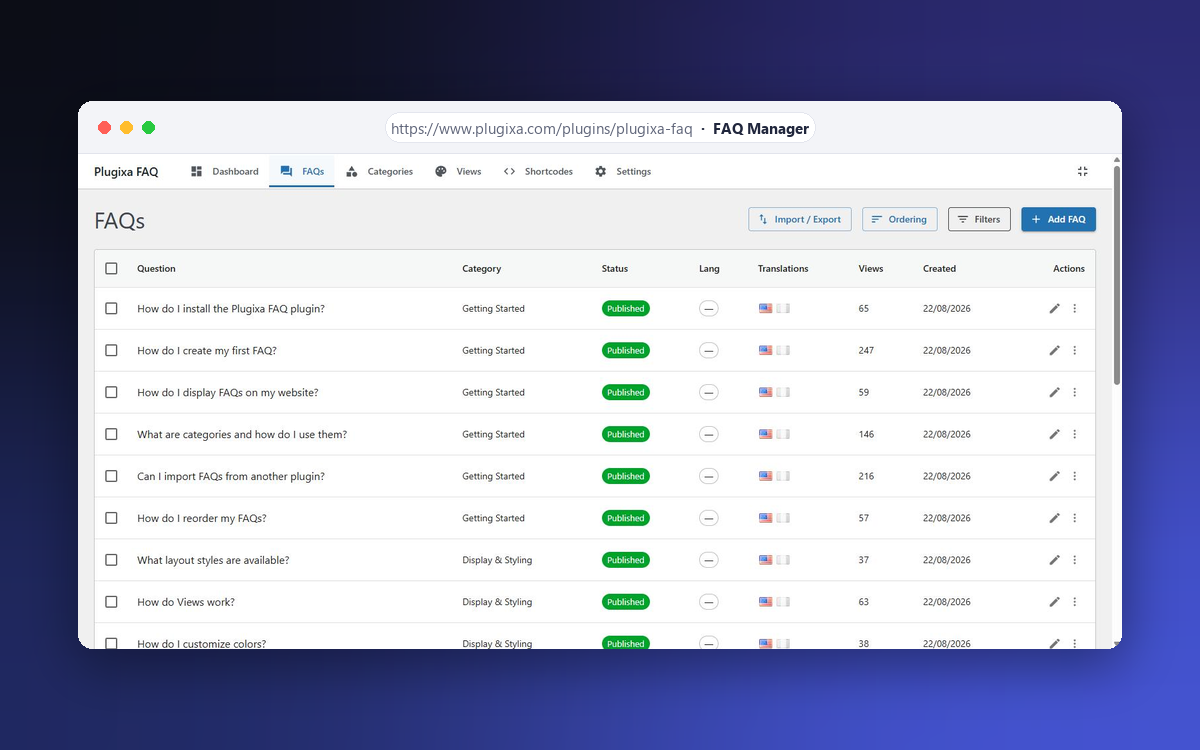
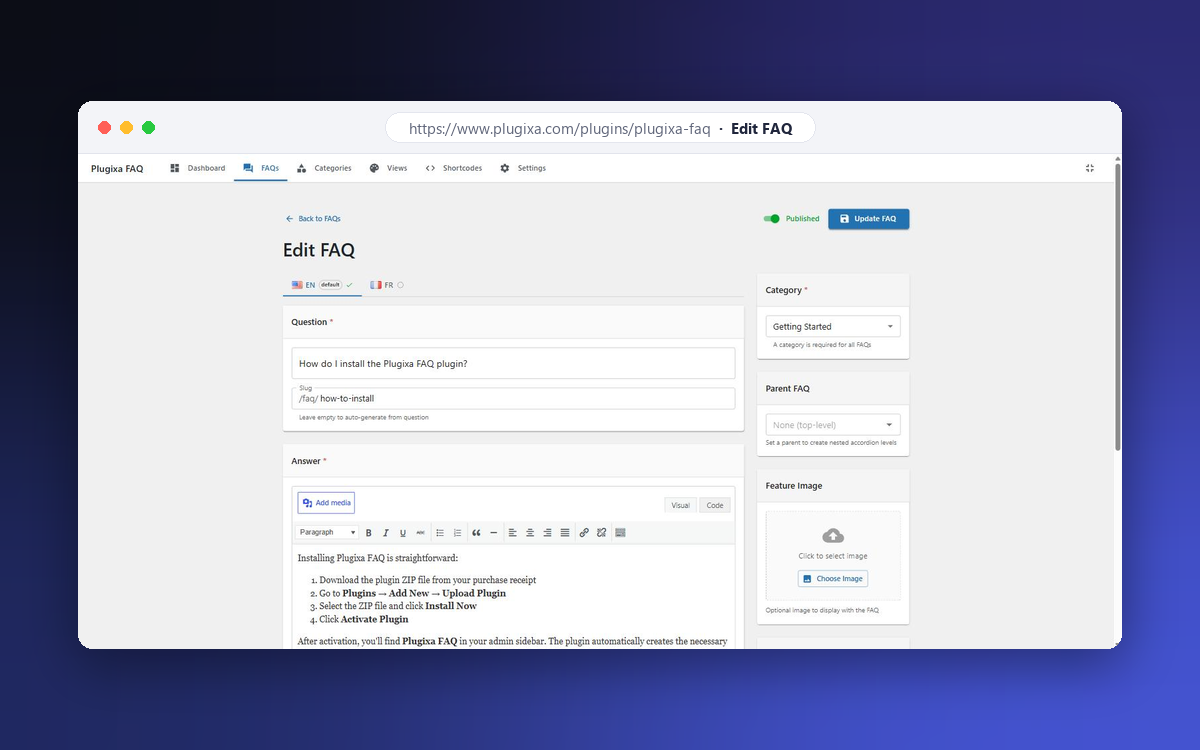
Plugixa FAQ is a powerful and user-friendly FAQ plugin for WordPress. It features a modern React-based admin panel, beautiful accordion displays, and built-in SEO optimization with FAQ Schema markup.
Documentation: https://www.plugixa.com/documentation/plugixa-faq
Key Features
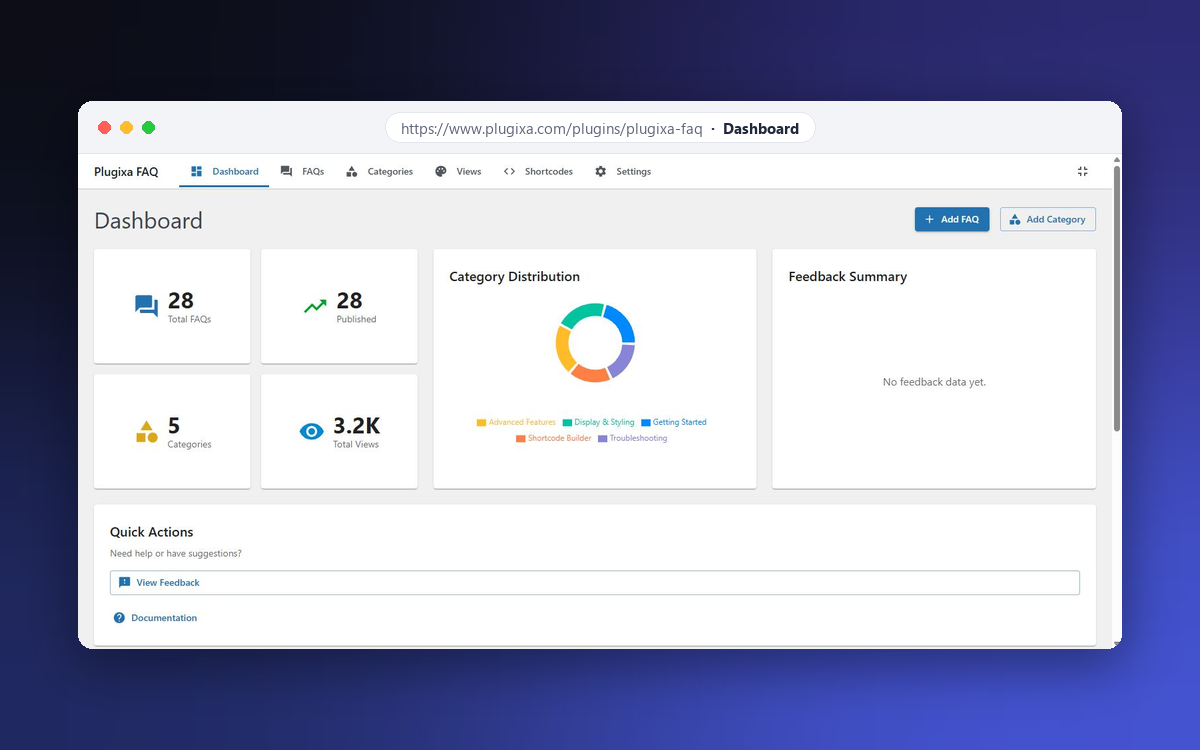
- Modern Admin Interface – React-powered admin panel with Material UI
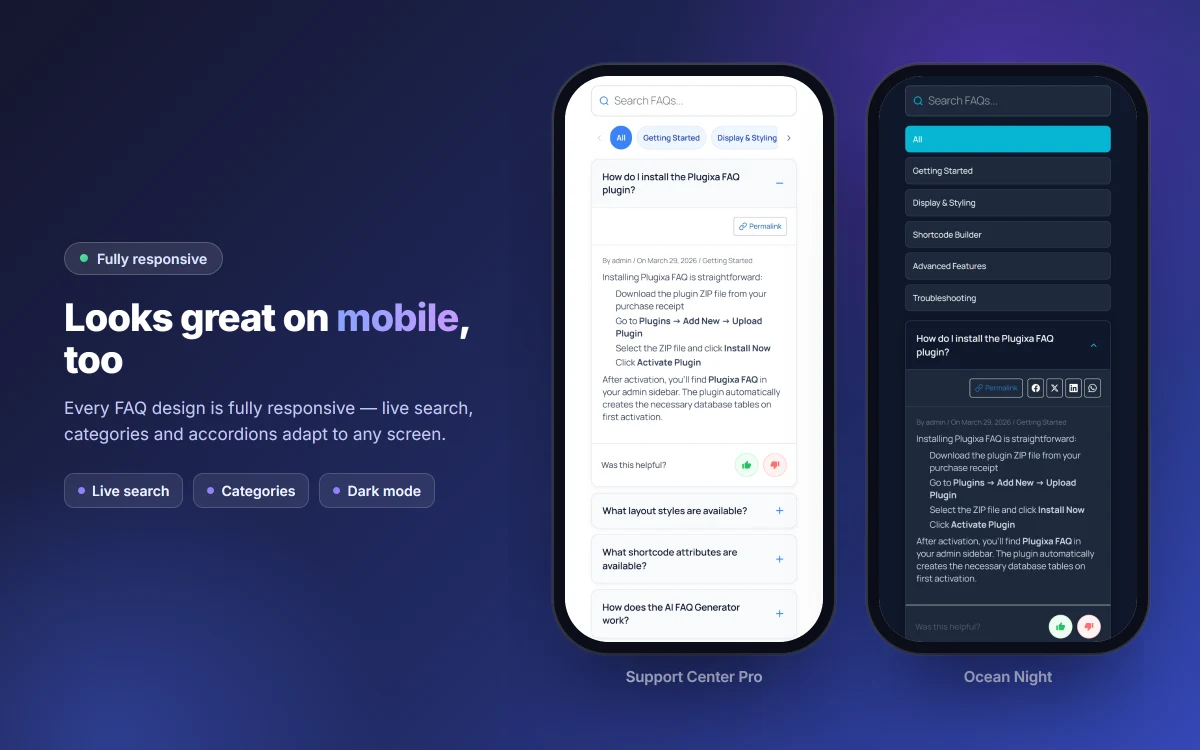
- Accordion Display – Beautiful, animated accordion with multiple styles
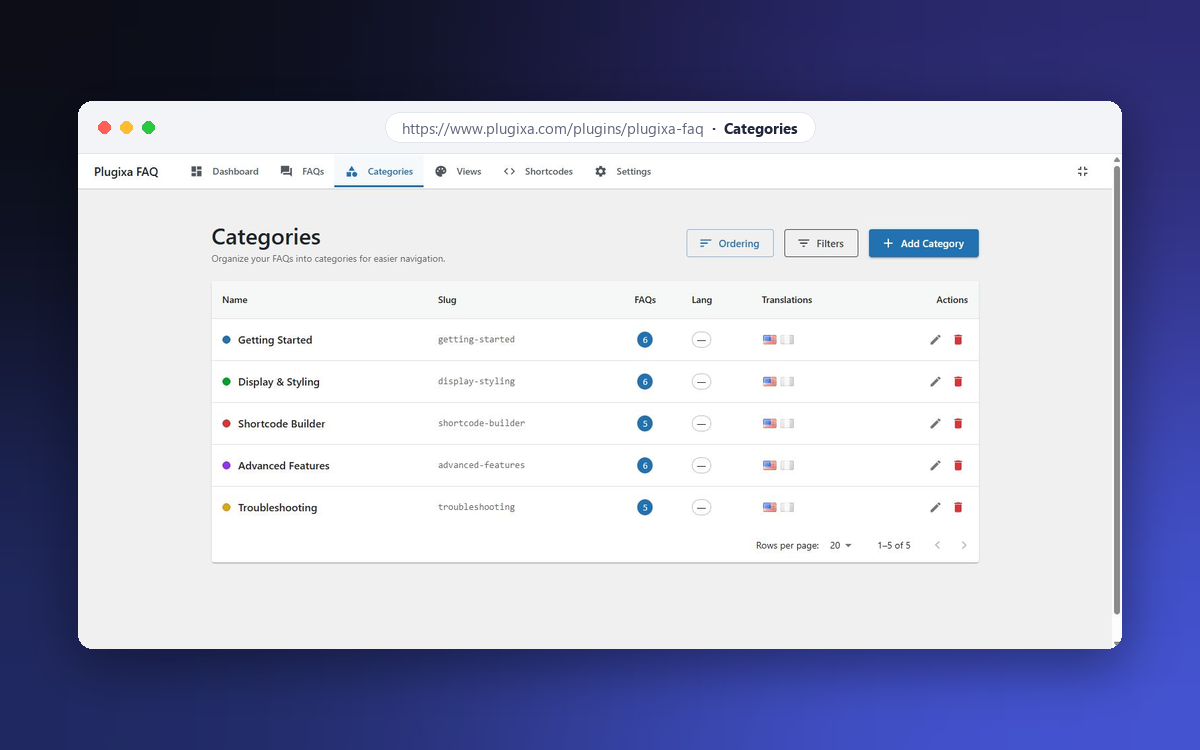
- Categories – Organize FAQs into categories
- Schema Markup – Automatic FAQ Schema (JSON-LD) for Google rich results
- Shortcode – Flexible
[plugixa_faq]shortcode with many options - Widget – Display FAQs in sidebars and footers
- Search – Live search functionality
- Fully Responsive – Works great on all devices
- Accessible – WCAG 2.1 compliant
Shortcode Usage
Basic usage:
[plugixa_faq]
With options:
[plugixa_faq category=”general” limit=”5″ style=”accordion”]
Shortcode Parameters
category– Filter by category slugids– Show specific FAQ IDs (comma-separated)limit– Number of FAQs to show (-1 for all)style– Display style: accordion, list, or toggleorderby– Sort by: menu_order, date, title, or randorder– Sort order: ASC or DESCschema– Enable FAQ schema: true or falsesearch– Show search box: true or falsegroup_by_category– Group FAQs by category: true or false
स्क्रिनसटहरू
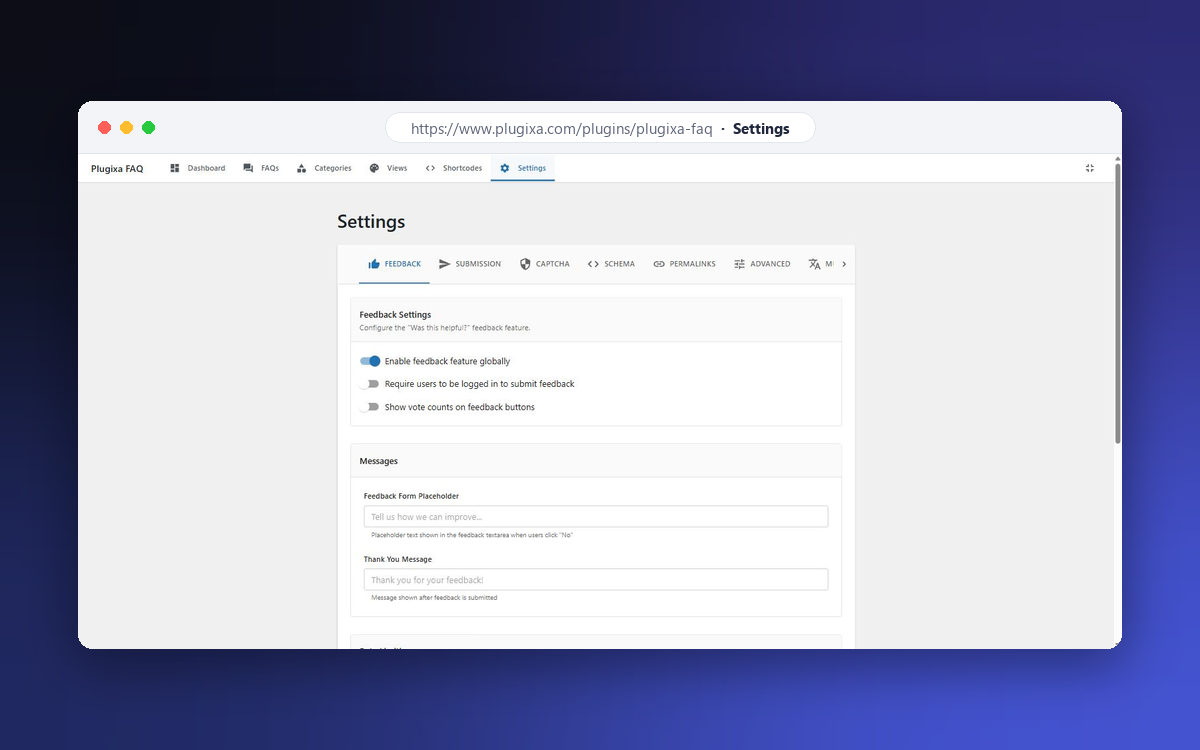
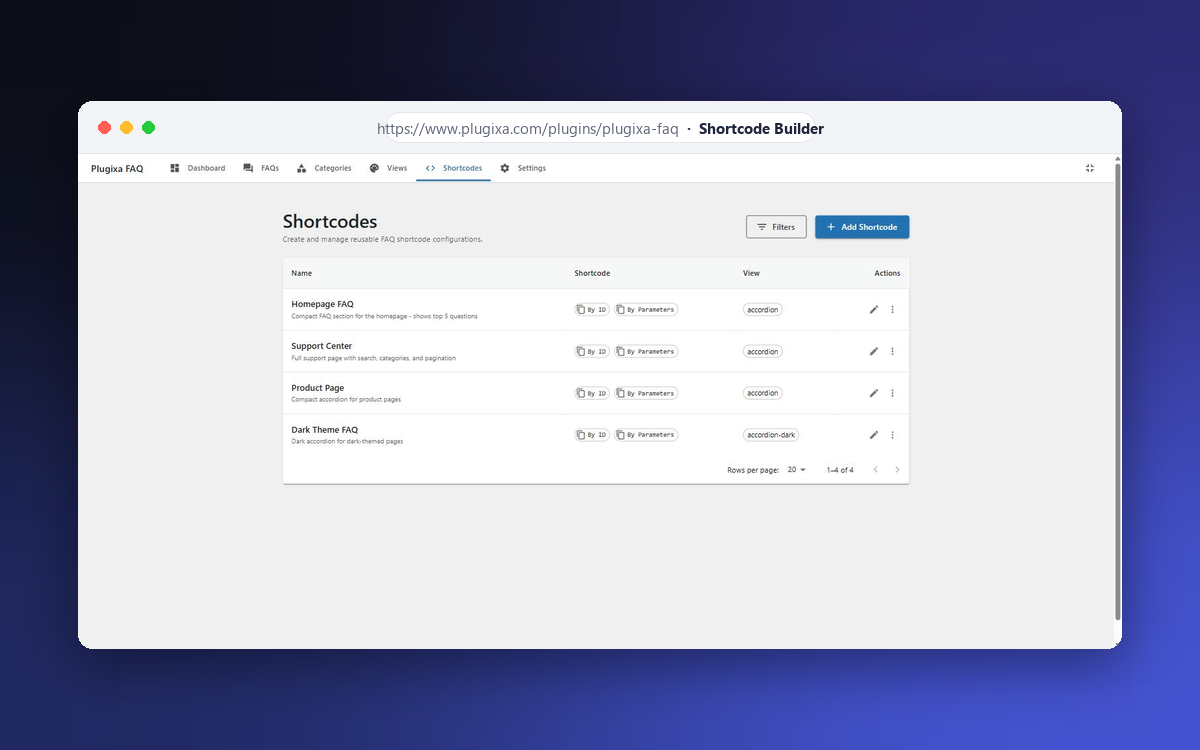
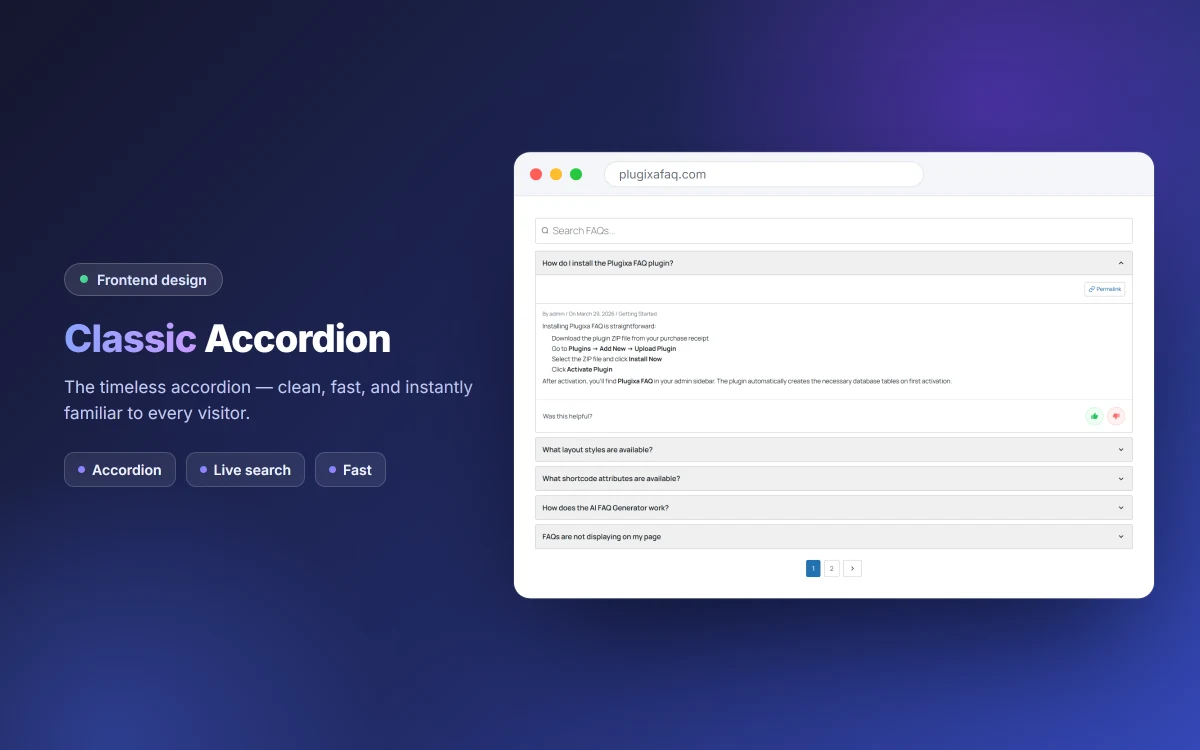
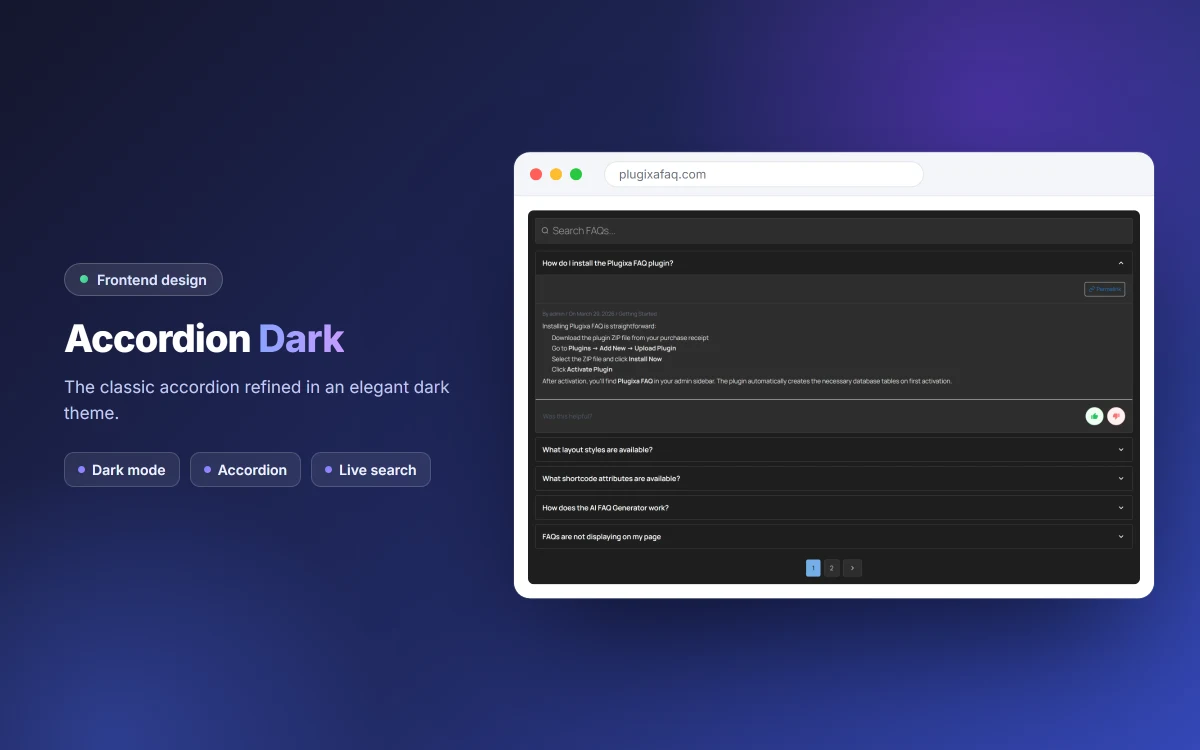
ब्लकहरू
यो प्लगिनले 1 ब्लक उपलब्ध गराउँछ।
- PlugixaFAQ Display Display FAQs with customizable styles, layouts, and filtering options
स्थापना
- Upload the
plugixa-faqfolder to/wp-content/plugins/ - Activate the plugin through the ‘Plugins’ menu in WordPress
- Go to ‘Plugixa FAQ’ in the admin menu to add your FAQs
- Use the
[plugixa_faq]shortcode on any page or post
प्रश्नोत्तर
-
How do I add FAQs?
-
After activating the plugin, go to Plugixa FAQ in the WordPress admin menu. Click “Add FAQ” to create your first FAQ.
-
How do I display FAQs on my site?
-
Use the
[plugixa_faq]shortcode on any page, post, or widget area. -
Does this plugin support Schema markup?
-
Yes! FAQ Schema (JSON-LD) is automatically added to help your FAQs appear in Google’s rich results.
-
Can I customize the appearance?
-
Yes! Go to Plugixa FAQ > Views to customize colors, typography, spacing, icons and animations. Every FAQ block you place can use a different View preset.
-
Is this plugin compatible with page builders?
-
Yes, the shortcode works with all major page builders including Elementor, Divi, and Gutenberg.
-
What shortcode examples can I use?
-
Show all published FAQs:
[plugixa_faq]With a search box:
[plugixa_faq search="true"]Filter by category slug:
[plugixa_faq category="general"]Group by category:
[plugixa_faq group_by_category="true"]Limit the number of FAQs:
[plugixa_faq limit="5"]Choose a style:
[plugixa_faq style="accordion"],[plugixa_faq style="list"], or[plugixa_faq style="toggle"]Show specific FAQs by ID:
[plugixa_faq ids="1,2,3"]Full example:
[plugixa_faq category="general" limit="10" search="true" style="accordion" schema="true"] -
Where can I find the documentation?
-
Full documentation – installation, shortcode reference, design presets, multilingual setup
and developer hooks – is at https://www.plugixa.com/documentation/plugixa-faq
समीक्षाहरू
यस प्लगिनको लागि कुनै समीक्षाहरू छैनन्।
योगदानकर्ता र डेभलपरहरू
“Plugixa FAQ” खुला स्रोत सफ्टवेयर हो। निम्न व्यक्तिहरूले यो प्लगिनमा योगदान गरेका छन्।
योगदानकर्ताहरू

“Plugixa FAQ” लाई आफ्नो भाषामा अनुवाद गर्नुहोस्
विकासमा रुचि छ?
आरएसएस द्वारा कोड ब्राउज गर्नुहोस्, एसभीएन रिपजिटरी हेर्नुहोस्, वा विकास लग को सदस्यता लिनुहोस्।
चेन्जलग
1.0.0
- Initial release
- React admin panel
- FAQ management with categories
- Accordion, list, and toggle display styles
- FAQ Schema (JSON-LD) support
- Widget for sidebars
- Live search functionality
- Full customization options