

विवरण
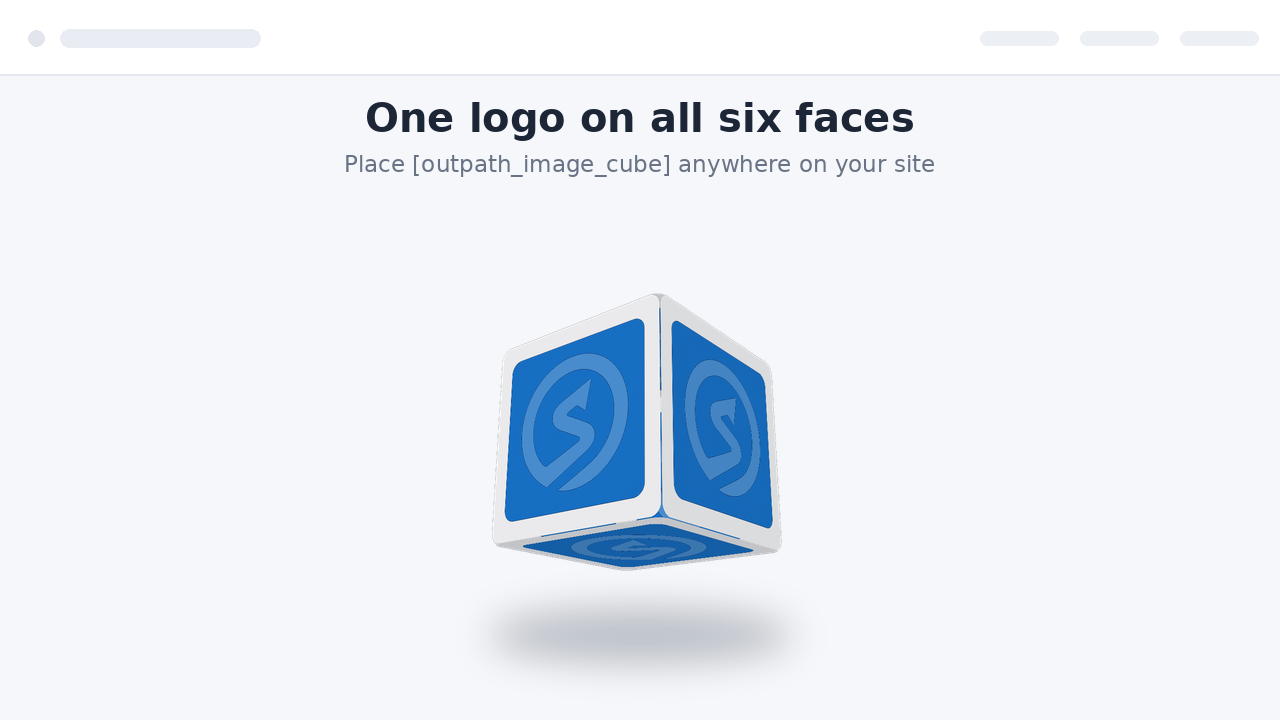
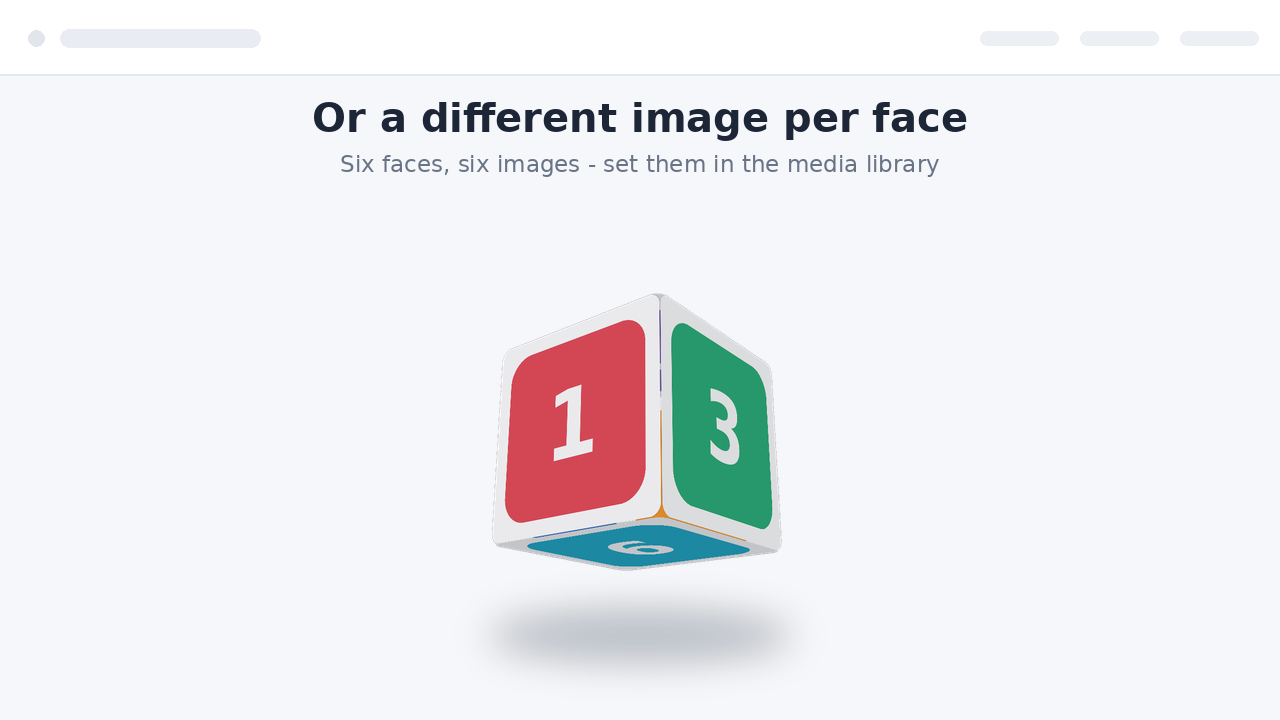
Outpath Solutions Image Cube displays a smooth, rotating 3D cube on your site. Use a single logo on all six faces, or set a different image per face. The animation uses pure CSS 3D transforms, so no JavaScript library is loaded on the front end and the cube stays fast and lightweight.
Features
- Rotating 3D cube built from one logo or six different images.
- Shortcode [outpath_image_cube] and a matching block with a live preview in the editor.
- Independent horizontal and vertical rotation speeds for a tumbling effect.
- Choose images straight from the WordPress media library.
- Responsive images with automatic srcset (uses attachment IDs).
- Live preview on the settings page.
- Extra options: pause on hover, reverse direction, adjustable perspective, ground shadow and rounded corners.
- Adjustable size and speed, globally or per shortcode.
- Respects the visitor’s “reduce motion” preference.
- Accessible: add a description for screen readers, or leave the cube decorative.
स्क्रिनसटहरू


स्थापना
- Upload the plugin folder to
/wp-content/plugins/, or install the ZIP via Plugins Add New Upload Plugin. - Activate the plugin through the “Plugins” screen in WordPress.
- Go to Settings Outpath Image Cube, choose your default image and, optionally, a different image per face.
- Place the shortcode
[outpath_image_cube]in any page, post or widget, or add the Outpath Image Cube block.
प्रश्नोत्तर
-
How do I change the cube on a single page only?
-
Pass attributes to the shortcode, for example:
[outpath_image_cube size="300" speed="8" vspeed="12"]. -
Can I use different images per face in the shortcode?
-
Yes. Use attachment IDs:
[outpath_image_cube img1="42" img2="43" img="10"], whereimgis the fallback used for any face you leave empty. -
Which extra options are available?
-
pause=”true” pauses rotation on hover,
direction="reverse"reverses it,perspective="4"controls the depth effect (1-12, lower is stronger),shadow="true"adds a soft ground shadow andradius="12"rounds the corners. -
Is there a block, or only a shortcode?
-
Both. Search for “Outpath Image Cube” in the block inserter, or use the shortcode.
-
Does it load JavaScript on my site?
-
No. The front-end animation is pure CSS. JavaScript is only used in the admin and the block editor.
-
Does it respect reduced-motion settings?
-
Yes. Visitors who enable “reduce motion” in their system see a static, tilted cube instead of the animation.
समीक्षाहरू
यस प्लगिनको लागि कुनै समीक्षाहरू छैनन्।
योगदानकर्ता र डेभलपरहरू
“Outpath Solutions Image Cube” खुला स्रोत सफ्टवेयर हो। निम्न व्यक्तिहरूले यो प्लगिनमा योगदान गरेका छन्।
योगदानकर्ताहरू
“Outpath Solutions Image Cube” लाई आफ्नो भाषामा अनुवाद गर्नुहोस्
विकासमा रुचि छ?
आरएसएस द्वारा कोड ब्राउज गर्नुहोस्, एसभीएन रिपजिटरी हेर्नुहोस्, वा विकास लग को सदस्यता लिनुहोस्।
चेन्जलग
2.3.0
- Renamed all functions, options, constants, handles and CSS classes to a single consistent plugin prefix.
- Removed the generic legacy shortcodes; use [outpath_image_cube].
2.2.0
- Renamed to Outpath Solutions Image Cube with unique prefixes throughout.
- Primary shortcode is now [outpath_image_cube].
- Translations are handled through translate.wordpress.org; bundled translation files removed.
2.1.0
- Added a block with a live preview in the editor.
- New options: pause on hover, direction, perspective, ground shadow and rounded corners.
- Added uninstall cleanup that removes all plugin options on deletion.
2.0.0
- Store attachment IDs instead of URLs; responsive images with srcset.
- Optional different image per face.
- Live preview on the settings page.
- Accessibility: optional screen-reader description, decorative by default.
- Shortcode values are clamped to safe ranges.
1.0.0
- Initial release: rotating cube from a single logo via shortcode.